How to Install a Streaming Player on Android TV (2026 Guide)
A step-by-step walkthrough for getting a branded player onto Android TV, Fire TV and Android boxes — including the sideload route when the Play Store is not an option.
Before you start
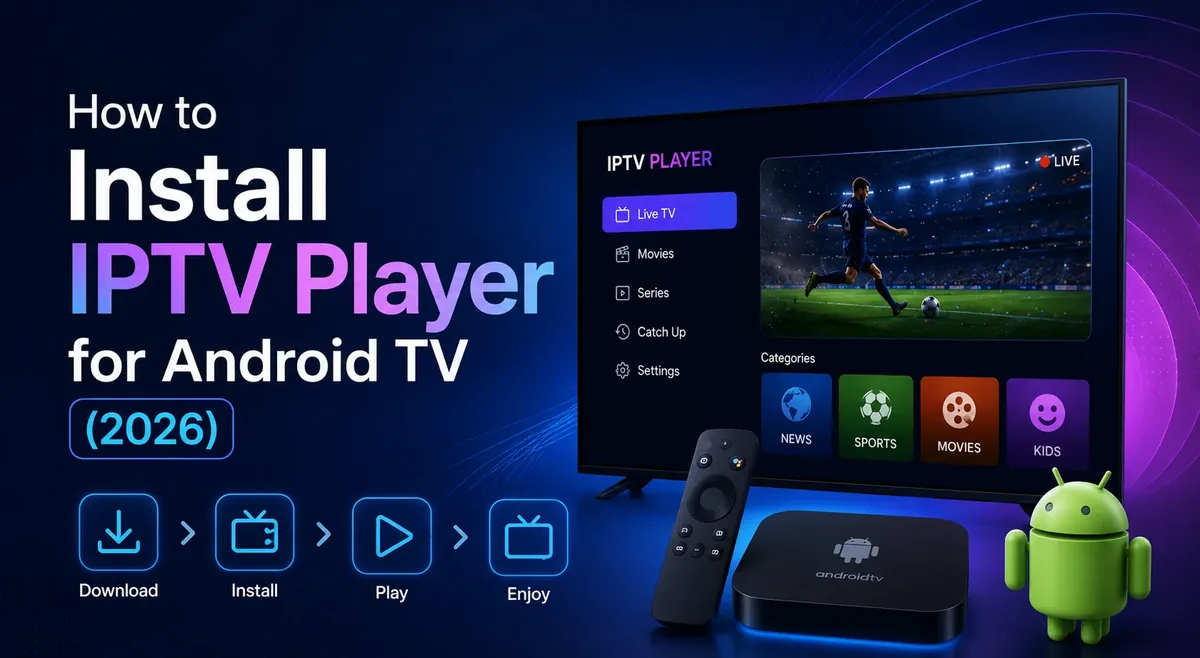
You need three things: the device connected to the internet, the download link or store listing for your player, and the login credentials your provider issued. Have all three ready before you touch the remote, because Android TV makes text entry slow and you do not want to hunt for a password halfway through.
If your provider has published the app to Google Play, skip straight to the store method below. Sideloading is only necessary when the build is distributed directly.
Method 1: install from Google Play
From the Android TV home screen, open the Google Play Store and search for your player by name. Select it, choose Install, and wait for the download to finish.
Open the app from the Apps row, enter the credentials from your provider, and the playlist loads. This route gets automatic updates, so it is the option to prefer whenever it is available.
Method 2: sideload with the Downloader app
Open Settings, then Device Preferences, then Security and restrictions, and enable installs from unknown sources for the Downloader app. On Fire TV the equivalent path is Settings, My Fire TV, Developer options, then enable ADB debugging and apps from unknown sources.
Install Downloader from the store, open it, and enter the download URL supplied by your provider. Select Go, let the APK download, then choose Install when prompted.
Once the install finishes, delete the APK to reclaim storage, then launch the app from Apps and channels and sign in.
Troubleshooting common failures
If the install is blocked, the unknown sources permission is almost always the cause, and it is granted per-app rather than globally on modern Android TV builds.
If playback buffers on an otherwise fast connection, test with a wired Ethernet adapter first. Android TV boxes frequently ship with weak 2.4 GHz radios, and that single change resolves the majority of buffering complaints.
If the app opens but the playlist is empty, the credentials or the DNS entry are wrong. Re-enter them carefully, watching for a trailing space at the end of a pasted username.